







How to Make Your Phone Battery Last Longer — 15 Tips That Actually Work

How to Make Your Phone Battery Last Longer — 15 Tips That Actually Work
Your phone's battery doesn't have to die by 3pm. These simple, proven tips will help your Android or iPhone last through the full day and beyond.
📋 In This Guide
Why Does My Phone Battery Drain So Fast?
Before fixing the problem, it helps to understand the main culprits. Most people blame the battery itself, but the real drain usually comes from software and settings, not hardware.
| Culprit | How Much Battery It Use | Easy to Fix? |
|---|---|---|
| Screen brightness (too high) | 🔴 Very High (20–30%) | ✅ Yes |
| Background apps refreshing | 🔴 High (10–20%) | ✅ Yes |
| Mobile data / 5G always on | 🟡 Medium–High | ✅ Yes |
| Location services are always on | 🟡 Medium | ✅ Yes |
| Push notifications | 🟡 Medium | ✅ Yes |
| Old / degraded battery | 🔴 Very High | 🔧 Needs replacement |
| Buggy apps draining in the background | 🔴 High | ✅ Yes (uninstall) |
✅ Good news: Most battery drain issues are caused by settings and apps, not a broken battery. Follow the tips below and you'll notice a difference today.
5 Quick Wins You Can Do Right Now
These take less than 2 minutes each and make an immediate difference:
Lower Your Screen Brightness: Biggest impact
Your screen is the single biggest battery drain on any smartphone. Turn auto-brightness on and keep it below 50% indoors. Going from 100% to 50% brightness can add 1–2 hours of screen-on time per day.
Turn Off Bluetooth & WiFi When Not in Use Easy
Both Bluetooth and WiFi constantly scan for networks and devices even when you're not connected. Swipe down and toggle them off when you don't need them, especially Bluetooth, which many people leave on permanently for no reason.
Switch to Dark Mode Easy
If your phone has an AMOLED or OLED screen (most mid-range and flagship Android phones, iPhone X and above), dark mode can save significant battery. OLED screens turn off pixels completely when displaying black, so dark mode literally uses less power.
Close Battery-Hungry Apps High impact
Instagram, Facebook, Snapchat, and Google Maps are notorious battery killers, especially when they run in the background. Check your battery usage: Settings → Battery → Battery Usage. If an app is using more than 15% in the background, restrict it.
Reduce Screen Timeout Easily
If your screen stays on for 2 minutes when you put your phone down, that's wasted battery. Set screen timeout to 30 seconds. Settings → Display → Screen Timeout. Small change, real savings.
Battery-Saving Settings Most People Miss
Turn Off Location for Apps That Don't Need It
Go to Settings → Privacy → Location Services (iPhone) or Settings → Location → App Permissions (Android). Set most apps to "Only while using" — not "Always". Many apps track your location 24/7 for no reason other than collecting your data.
Disable Background App Refresh
Your phone constantly updates apps in the background so they load faster when you open them. This is convenient but expensive on battery. iPhone: Settings → General → Background App Refresh → turn off for social media apps. Android: Settings → Apps → select app → Battery → Restrict.
Switch from 5G to 4G when 5G Isn't needed. High impact
5G uses significantly more battery than 4G, especially in areas with weak 5G coverage, where your phone constantly hunts for a signal. Unless you're downloading large files, switch to 4G LTE. Settings → Mobile Network → Preferred Network Type → LTE/4G.
Reduce Notification Volume
Every notification wakes your screen, lights up your display, and vibrates the motor, draining your battery hundreds of times a day. Go through your apps and disable notifications for anything that isn't urgent. Keep only calls, messages, and essential apps.
Use Battery Saver / Low Power Mode Early Easy
Don't wait until 10% battery to enable battery saver. Turn it on at 30–40% to get significantly more life. Android: Settings → Battery → Battery Saver. iPhone: Settings → Battery → Low Power Mode. You'll be surprised how much longer your phone lasts.
Charging Habits That Protect Long-Term Battery Health
This section is about the long-term health of your battery — not just today's usage. A well-maintained battery holds more charge for longer, meaning better battery life 1–2 years from now.
Keep Battery Between 20% and 80%: Good habit
Lithium-ion batteries (used in all smartphones) are healthiest when kept in the 20–80% range. Regularly draining to 0% or charging to 100% causes chemical stress that degrades the battery faster over time. Think of it as a rubber band, constantly over-stretching weakens it.
Don't Charge in Extreme Heat
Charging generates heat, and heat is the biggest enemy of battery health. Avoid charging while your phone is in a case that traps heat, lying in direct sunlight, or sitting on a bed (which blocks airflow). A cool phone charges healthier and faster.
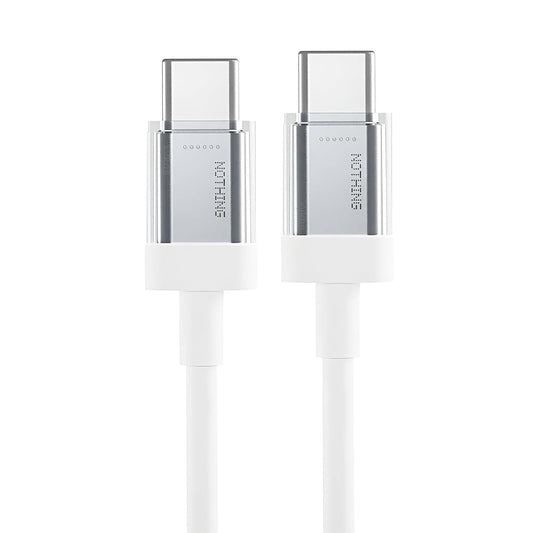
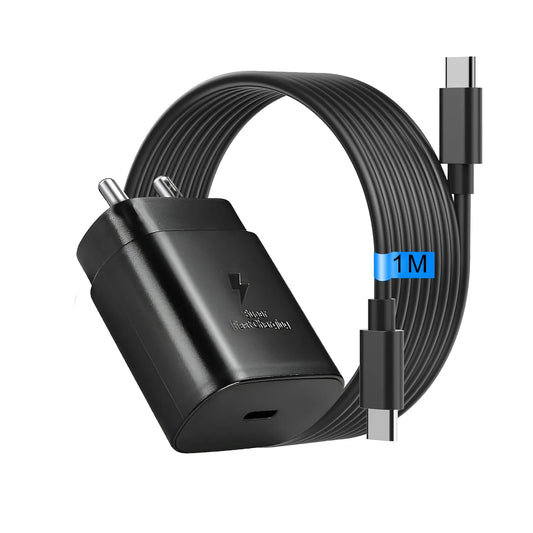
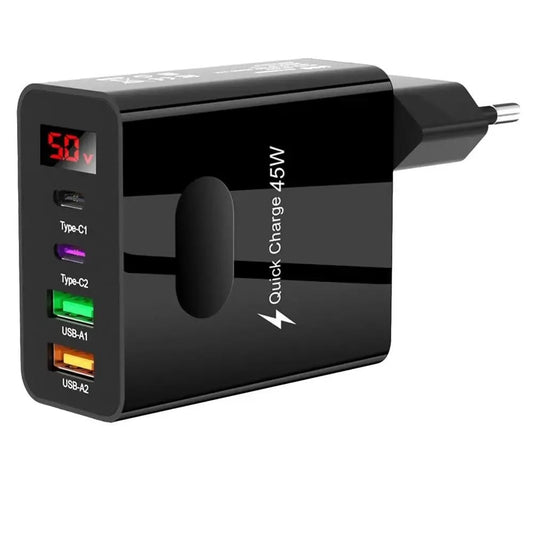
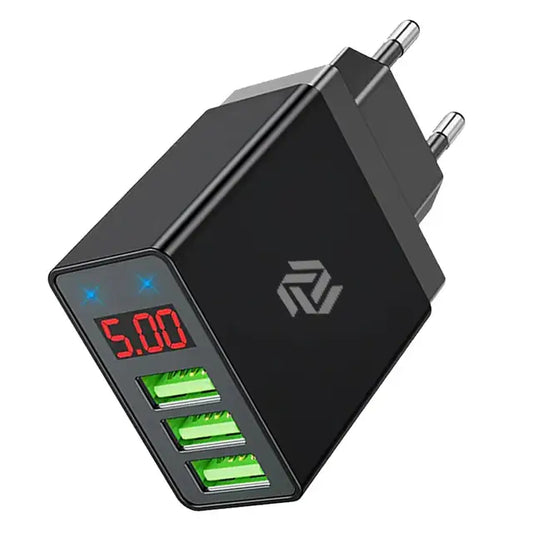
Use the Right Charger Important
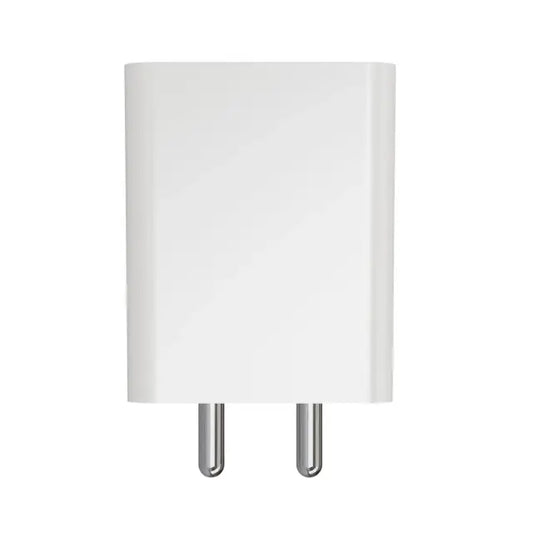
Using a cheap, uncertified charger can deliver unstable power that damages battery health over time. Always use a BIS-certified charger that matches your phone's fast charging standard. This is one of the most overlooked causes of premature battery degradation in India.
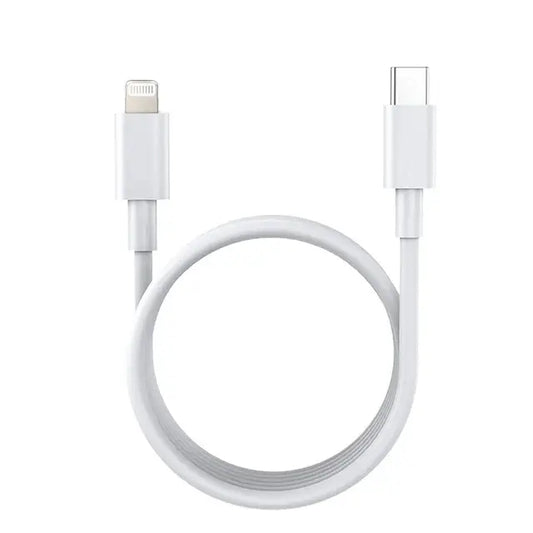
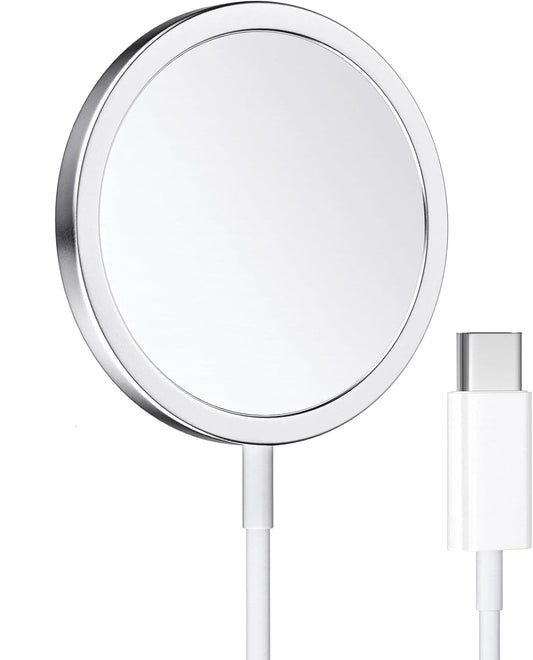
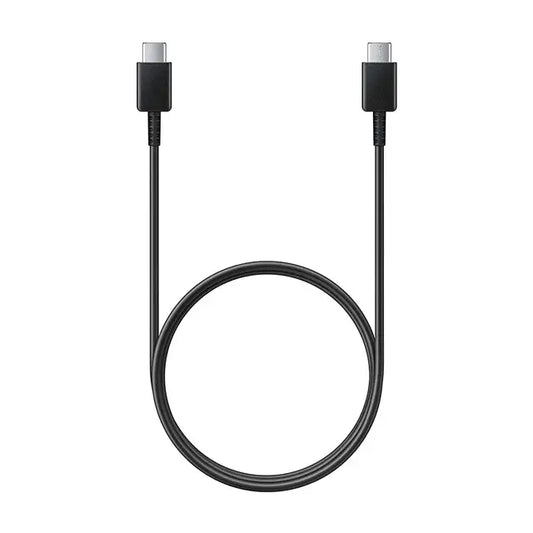
Protect Your Battery With the Right Charger
All Muvit chargers are BIS-certified, fast-charge compatible, and built to deliver stable, safe power to your phone every single charge.
Shop Chargers → View All ProductsEnable Optimised Charging (iPhone & Some Android)
Modern iPhones and many Android phones have an "Optimised Battery Charging" feature that learns your daily charging routine and slows charging past 80% overnight — only completing to 100% just before you wake up. This significantly reduces battery wear. iPhone: Settings → Battery → Battery Health → Optimised Battery Charging.
Carry a Power Bank for Long Days. Easy fix
If your day is unpredictably long, the most practical solution is a power bank. A 10,000mAh power bank can fully charge most smartphones 2–3 times. Choose one with fast charging output so you're not waiting 3 hours for a top-up.
Battery Myths — Busted
There's a lot of wrong advice floating around on WhatsApp and YouTube. Here's the truth:
❌ Myth
"You should fully drain your battery to 0% before charging to recalibrate it."
✅ Fact
This was true for old Nickel-Cadmium batteries in the 1990s. Modern lithium-ion batteries are actually damaged by deep discharge. Never regularly drain to 0%.
❌ Myth
"Leaving your phone on charge overnight destroys the battery."
✅ Fact
Modern phones stop charging at 100% and switch to a maintenance trickle. It's not ideal, but it won't destroy your battery. Use Optimised Charging for overnight safety.
❌ Myth
"Closing all background apps saves battery."
✅ Fact
Ironically, force-closing apps can use MORE battery — because re-loading them from scratch requires more power than keeping them in memory. Only close apps that are actively running in the background (check Battery Usage).
❌ Myth
"You shouldn't use your phone while it's charging — it damages the battery."
✅ Fact
Using your phone while charging is completely safe. The only concern is heat — heavy gaming or video while charging can make the phone hot, which is bad for battery health. Occasional use is fine.
When to Replace Your Battery
Even with perfect habits, lithium-ion batteries degrade over time. Here's how to know when it's time for a replacement:
iPhone users: Check Settings → Battery → Battery Health. If it's below 80%, Apple themselves recommend a replacement.
Android users: Go to the dialer and type *#*#4636#*#* on many Samsung/Xiaomi phones for battery diagnostics. Or download an app like "AccuBattery" for a detailed health check.
⚠️ Warning signs that your battery needs immediate replacement: Phone shuts off at 30–40%, battery bulging (never ignore this, it's a safety risk), phone overheating during normal use, or phone only lasting 2–3 hours from full charge.
Frequently Asked Questions
How many times can a phone battery be charged before it dies?
Most smartphone batteries are rated for 300–500 full charge cycles before they drop to 80% health. A "cycle" is a full 0–100% charge, so if you only charge 50% each day, that counts as half a cycle. With good habits, your battery can last 2–3 years before noticeable degradation.
Does fast charging damage the battery?
Modern fast charging is designed with battery protection built in — it slows down as the battery fills up. The heat generated during fast charging causes slightly more wear than slow charging, but the difference over 2 years of normal use is minimal. Fast charging from a quality, certified charger is perfectly safe.
Why does my phone battery drain faster in winter?
Cold temperatures slow down the chemical reactions inside lithium-ion batteries, reducing their output capacity temporarily. Your battery will seem to drain faster in the cold, but it recovers once the phone warms up. Avoid leaving your phone in extreme cold for extended periods.
Does turning off WiFi save battery?
Yes, but less than most people think. WiFi is actually more efficient than mobile data for browsing, so if you're actively using the internet, keep WiFi on. Where you save battery is by turning off WiFi when you're out and not using the internet at all, stopping your phone from scanning for networks.
What is the best percentage to charge your phone to?
For maximum long-term battery health, charge to 80% for daily use and avoid dropping below 20%. If you need a full charge for a busy day, that's completely fine, just don't make 0%–100% charging a daily habit.
Which apps drain the most battery?
Social media apps are the worst offenders — Instagram, Facebook, Snapchat, and TikTok all run aggressively in the background. Google Maps and YouTube are heavy during active use. Check your own phone's battery stats under Settings → Battery → Battery Usage for your personal breakdown.
Where can I get a good power bank or charger in India?
Muvit India offers a range of BIS-certified chargers and power banks built for Indian voltage standards. Visit www.muvit.in for fast pan-India delivery.
Shop Muvit India Chargers & Power Banks
From 65W GaN wall chargers to 10,000mAh power banks, everything you need to keep your phone powered all day, every day.
Shop Now at muvit.in →